Apps for Mac, iPhone and iPad
Airlock's native apps find every Airlock on your network by themselves and do everything the web UI does: browse and eject drives, format, flash and back up whole devices, check filesystems and rename volumes. The Mac and iOS apps share the same screens.
macOS
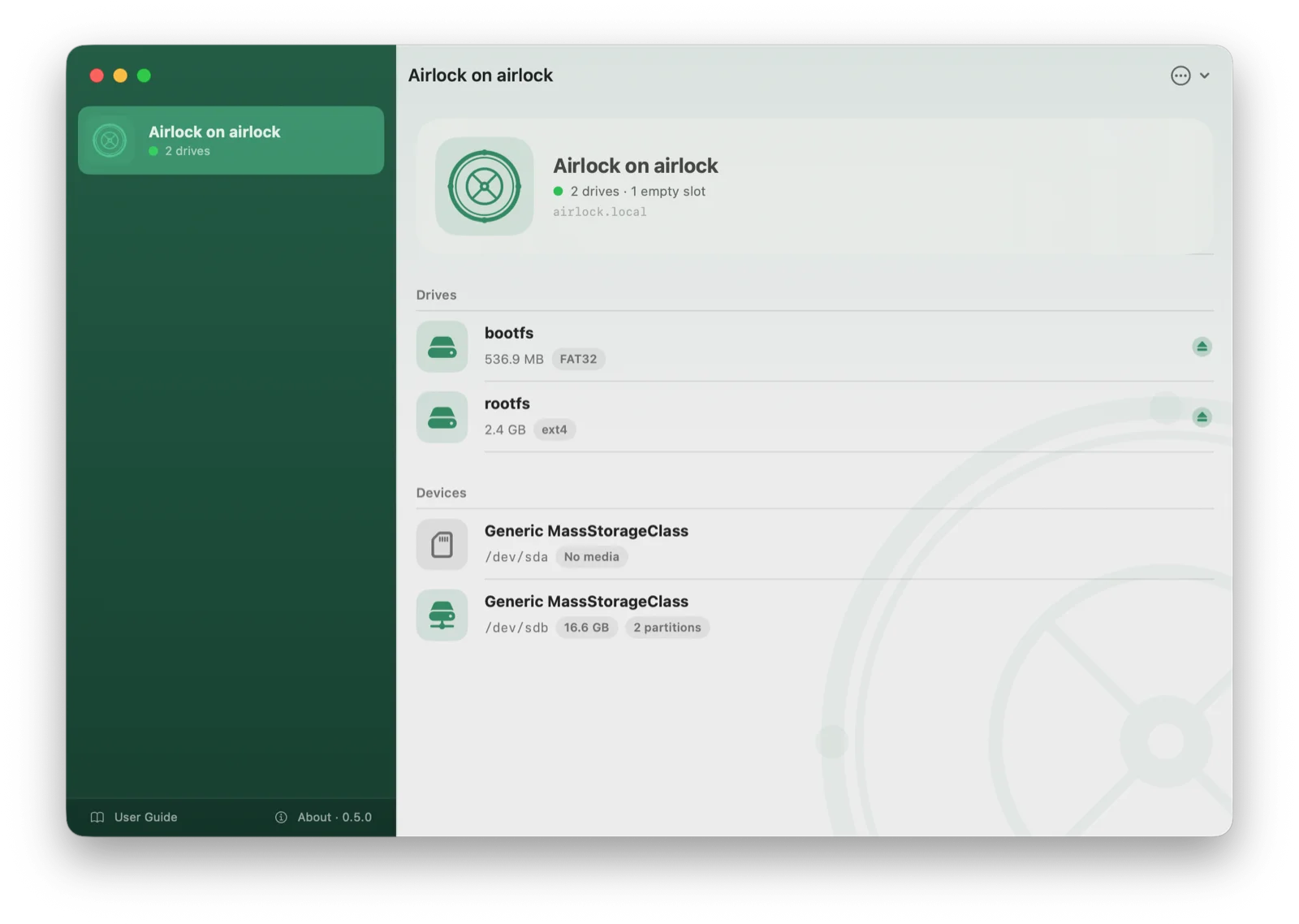
A menu-bar app for macOS 14 or later. The menu mounts drives on your Mac silently, with no Finder window, and can mount every drive as it appears. Open Airlock… in the menu opens the full window.
- Drives and devices: live drive list, eject one drive or all of them, device details with partitions.
- Device tools in the toolbar: Format, Flash Image, Save Image and Eject, the way Disk Utility does it.
- Partitions: mount, rename and check (fsck) with the tool's output as it runs.
- Files: browse a drive, preview, upload, rename, delete.
Download AirlockCompanion-<version>.dmg from the latest release. See macOS companion app for install steps and details.
iPhone and iPad
The same features on iOS and iPadOS 17 or later, plus a Files app integration: every shared drive appears as a location in Files, so other apps can open and save documents on it directly.
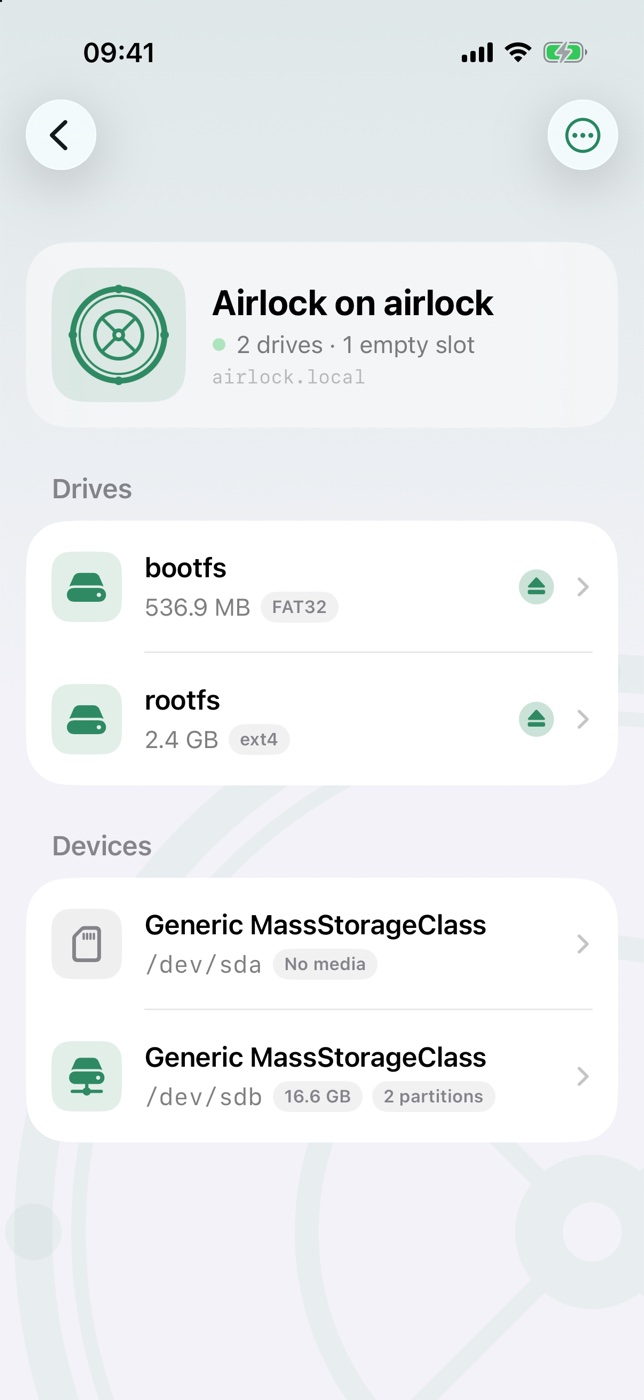
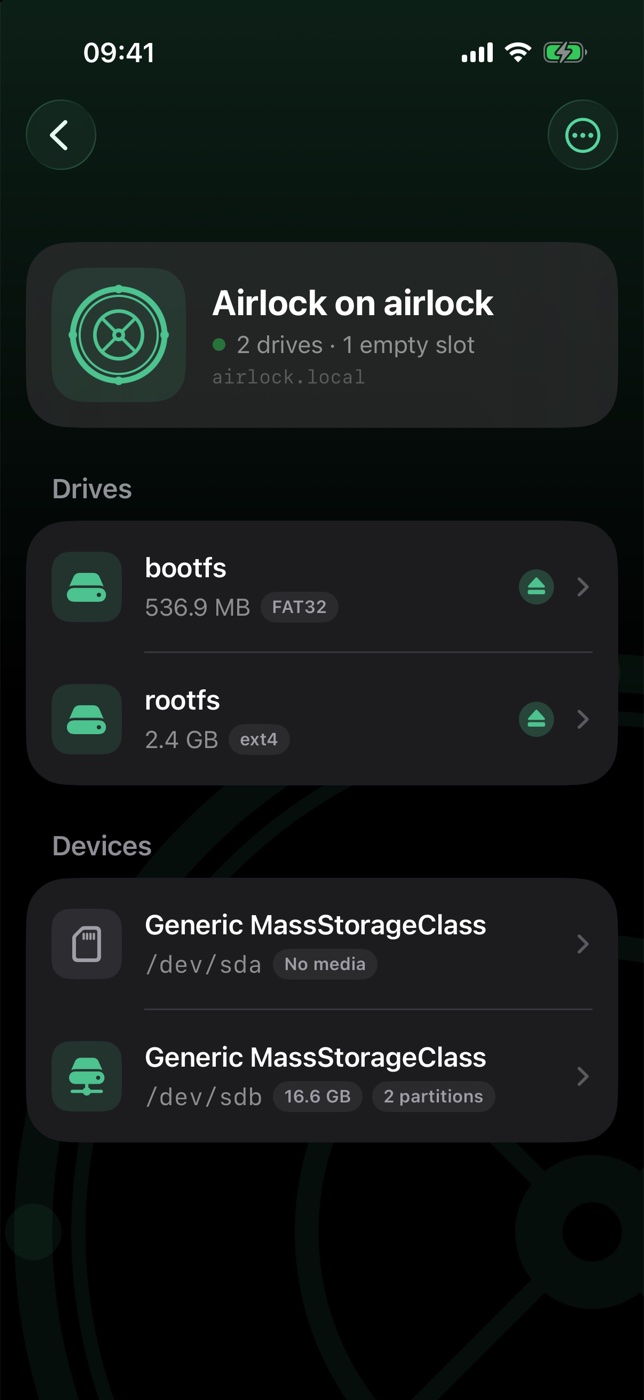
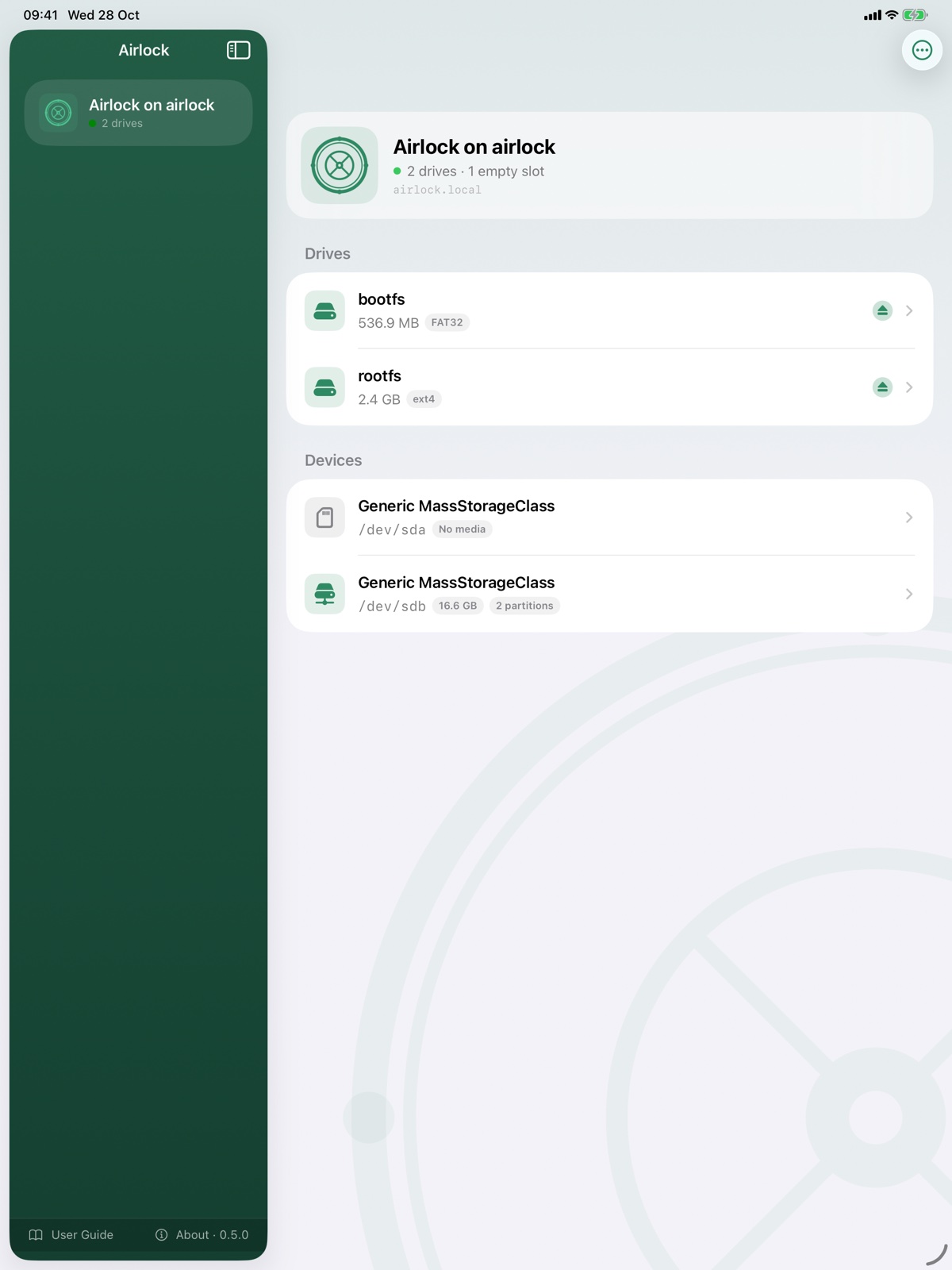
The iOS app isn't on the App Store yet; it will come to TestFlight first.
Try it without a Pi
While no airlock is found, the first screen offers Try a Demo Airlock: a pretend airlock with drives, devices and files that lives inside the app. Browse, upload, eject, format, flash and check filesystems on it to see how everything works; nothing leaves your device. End Demo in its ⋯ menu removes it, and it goes by itself once a real airlock turns up.
What the apps need
- An Airlock on the same network (see Installation). Guest and corporate Wi-Fi often block the Bonjour discovery the apps rely on.
- Local Network permission, which the apps ask for on first launch.
Nothing leaves your network: the apps talk only to Airlock devices on the LAN, with no accounts and no tracking. The one exception is Report a Problem, which sends your note (and the screenshot, if you keep it) to my support desk only when you choose to; the answer comes back in the app. See Privacy.